Apply Filters to All Tabs of a Custom Dashboard
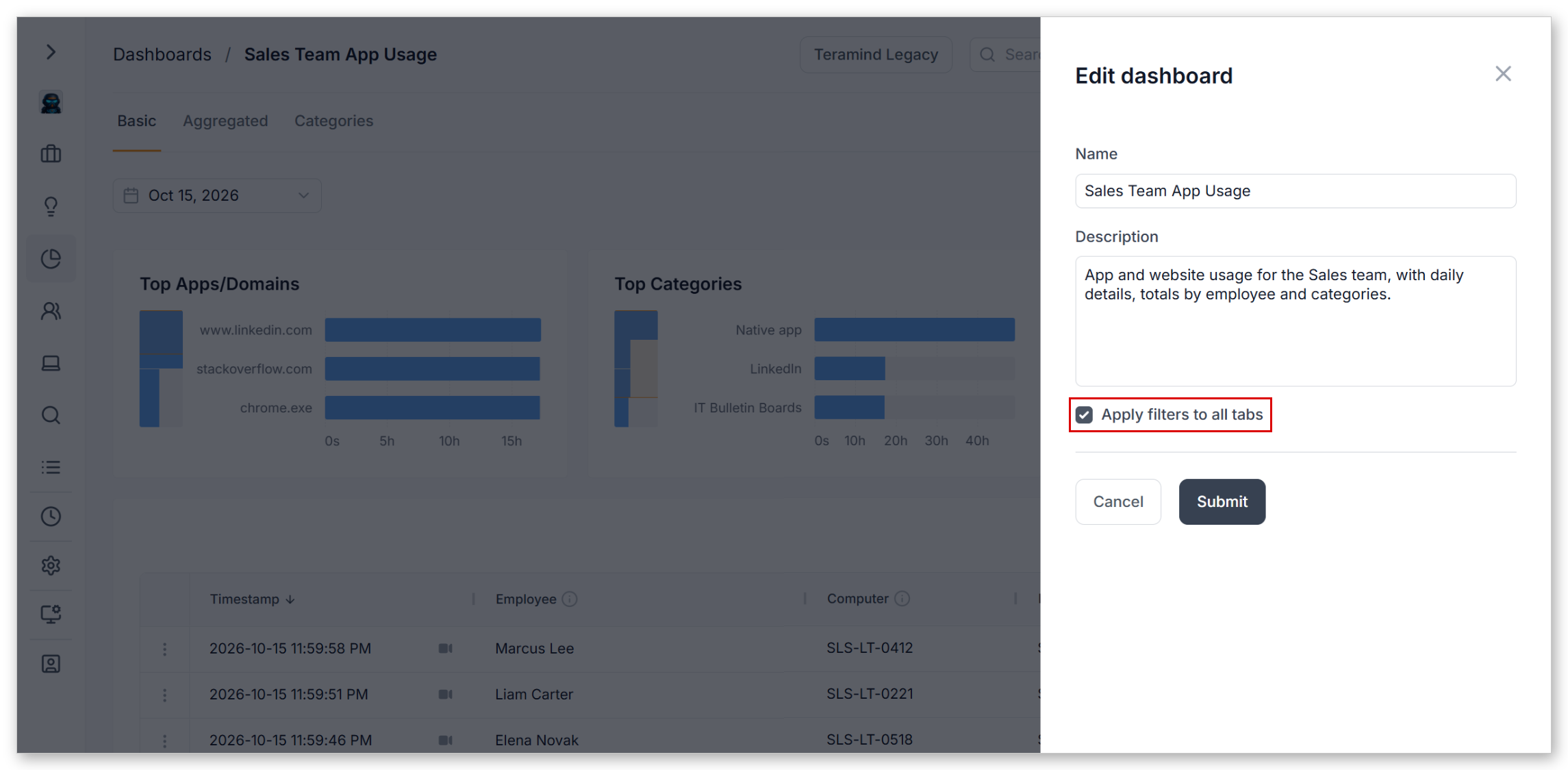
Investigate faster across a multi-tab custom dashboard. With the new Apply filters to all tabs option, filters you apply on one tab, such as employees, computers, etc, carry over to the other tabs of the same dashboard, so you don't have to set them again on each tab. The option is off by default, so each tab keeps its own filters unless you turn it on.
To turn it on, open a custom dashboard, click the three dots (⋮) next to Filters, select Edit dashboard, check Apply filters to all tabs, and click Submit.